Already running Mastodon? Take the server over.
Don't use abuuba right now. It is not as mature as Mastodon. Only use it in your lab and to play around with it.
Nothing has to be rebuilt. A Mastodon instance becomes an abuuba instance in place, keeping the domain it already has. That domain is the one thing a takeover cannot change: every post URL and every signature the old server published names it. Everything else moves. Accounts keep their passwords, posts keep their permalinks, followers stay followers, and the app on somebody's phone stays signed in, because the token it holds comes across too. Media, lists, filters, blocks and the whole moderation history follow.
The importer is a dry run by default. It reads the old database, checks everything that has to be true, counts what would move, and writes nothing. A run that gets interrupted continues where it stopped, and afterwards a verify pass asks the old server, while it is still up, whether every post arrived and every key still signs.
Step by step, with the Docker image
The reference deployment is two containers, abuuba and Postgres, in docker-compose.yml. Three things have to reach the container and none of them is there by default: the old database over the network, the old media directory as a mount, and the old server's keys. All three are in that file as a commented block. Uncomment it, put the values in .env, and the rest is one command with different arguments.
# 1. Fill in .env and uncomment the takeover block in docker-compose.yml.

# 2. Create abuuba's own database, the one the import writes into.
docker compose run --rm abuuba bin/abuuba eval 'Abuuba.Release.migrate()'

# 3. The dry run. It writes nothing. Read what it says before going on.
docker compose run --rm abuuba bin/abuuba eval 'Abuuba.Release.import_mastodon()'

# 4. Back up both databases. Step 5 cannot be undone.

# 5. The import. Hours on a large instance, and safe to run again if it stops.
docker compose run --rm abuuba bin/abuuba eval 'Abuuba.Release.import_mastodon(execute: true)'

# 6. While the old server is still reachable.
docker compose run --rm abuuba bin/abuuba eval 'Abuuba.Release.import_mastodon(verify: true)'

# 7. Point the domain here and start serving.
docker compose up -d
run --rm and not exec, because the import is a job of its own and has to work before this instance has ever answered a request. The container is thrown away afterwards; what lets an interrupted import carry on is rows in the database, not anything in that container, so step 5 can be repeated as often as it takes.
Two things only bite inside a container. localhost in MASTODON_DATABASE_URL means the container, not the host, so the old Postgres needs an address both can see: the host's address on the network they share, or Mastodon's service name if it runs in Docker too. And MASTODON_MEDIA_ROOT is the path inside the container, the right-hand side of the mount, never the host path.
Back up before step 5. It is not reversible: it writes into abuuba's database, and the way back from an import that went wrong is restoring that database from before the run. The old instance is only ever read, so keep its backup until the verify pass comes back clean.
Running from source instead of the image? The same three steps are mix abuuba.import, --execute and --verify.
What moves, what is deliberately left behind, and the two things not carried yet: Taking over a Mastodon instance.
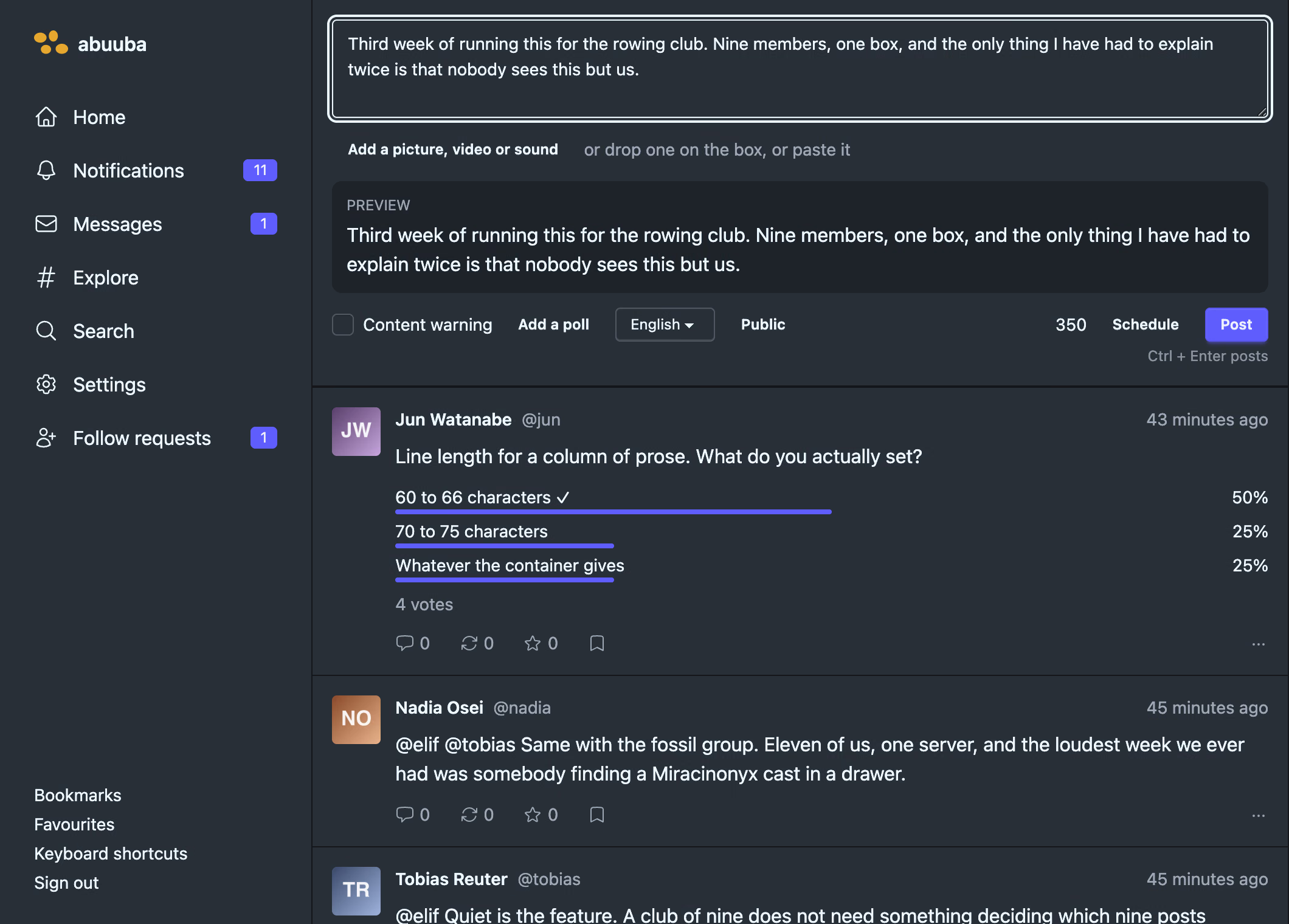
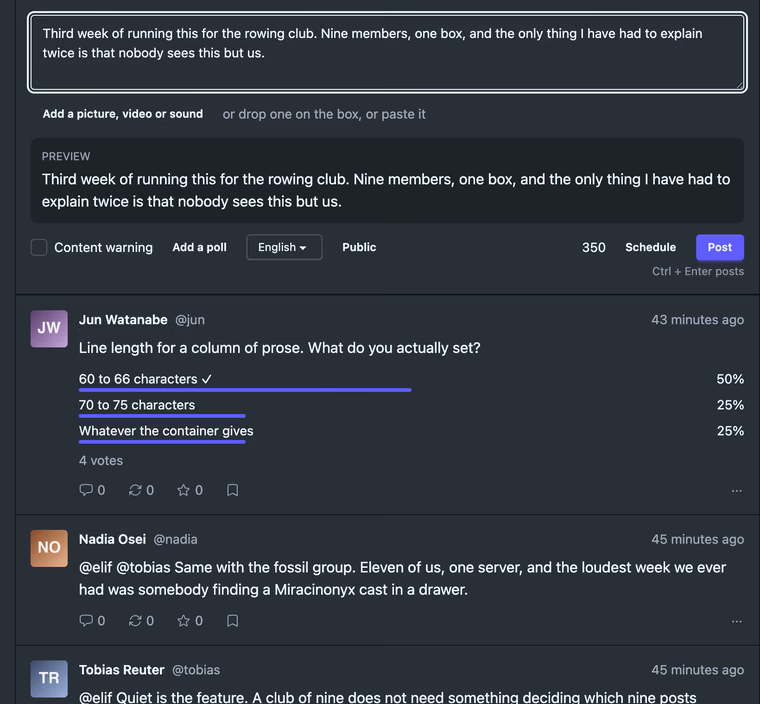 Writing a post
The box, the preview, and everything a post can carry
Writing a post
The box, the preview, and everything a post can carry
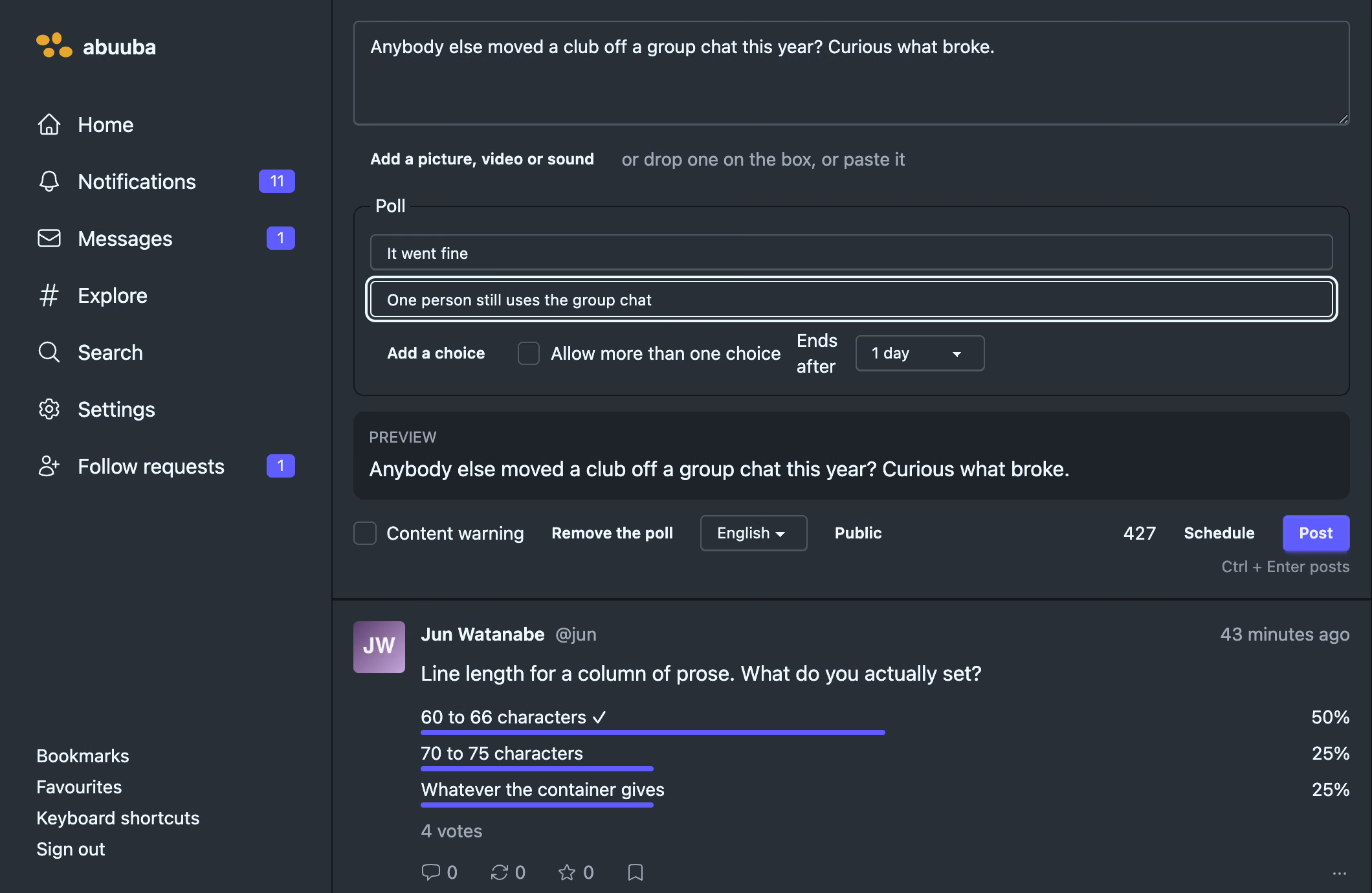
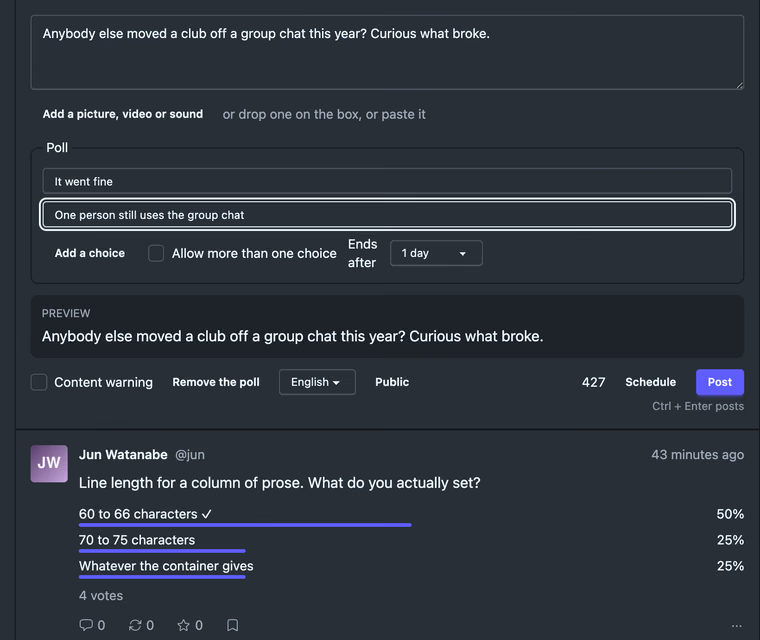 A poll, being written
Two answers and a duration, in the same box
A poll, being written
Two answers and a duration, in the same box
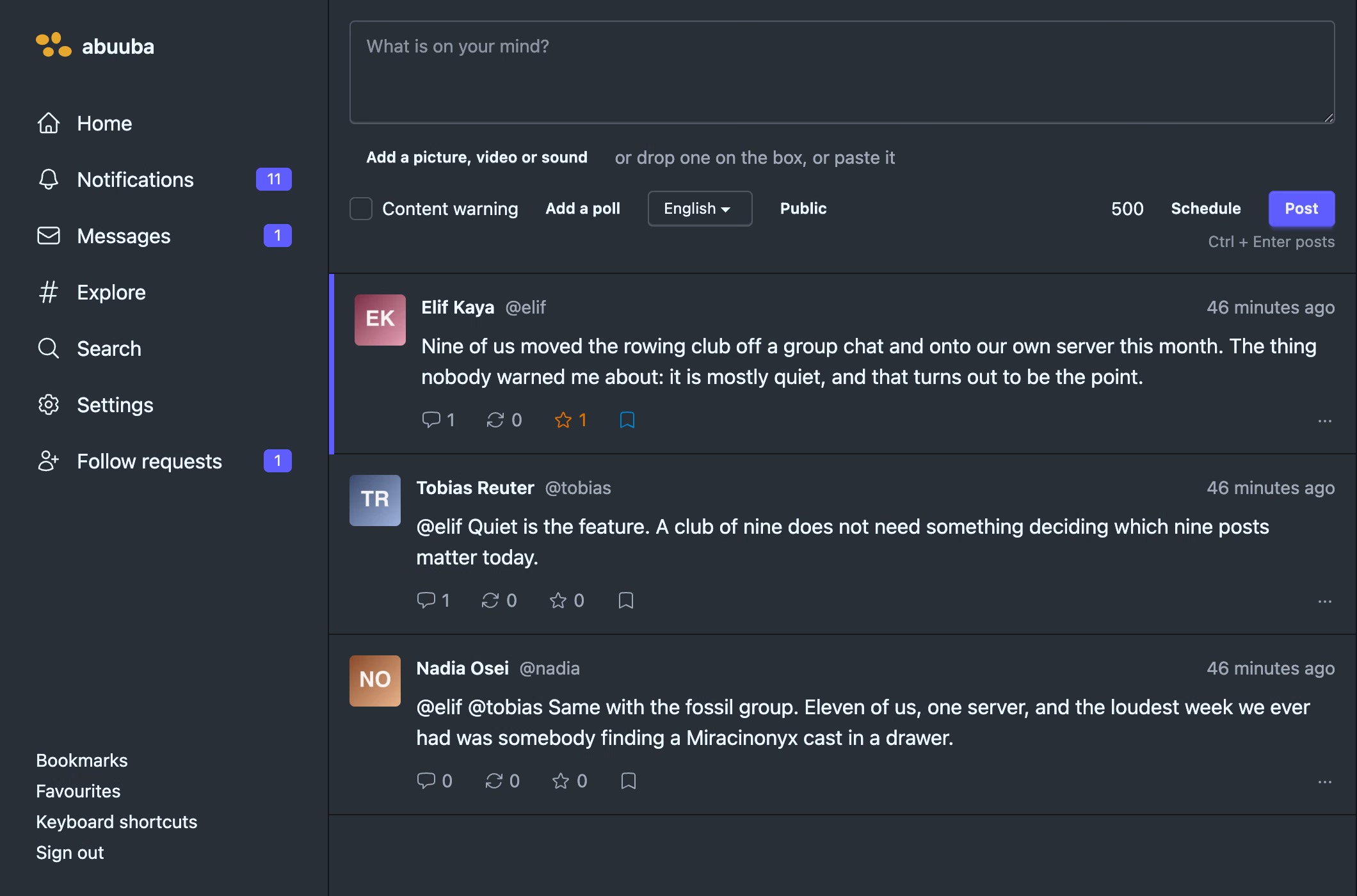
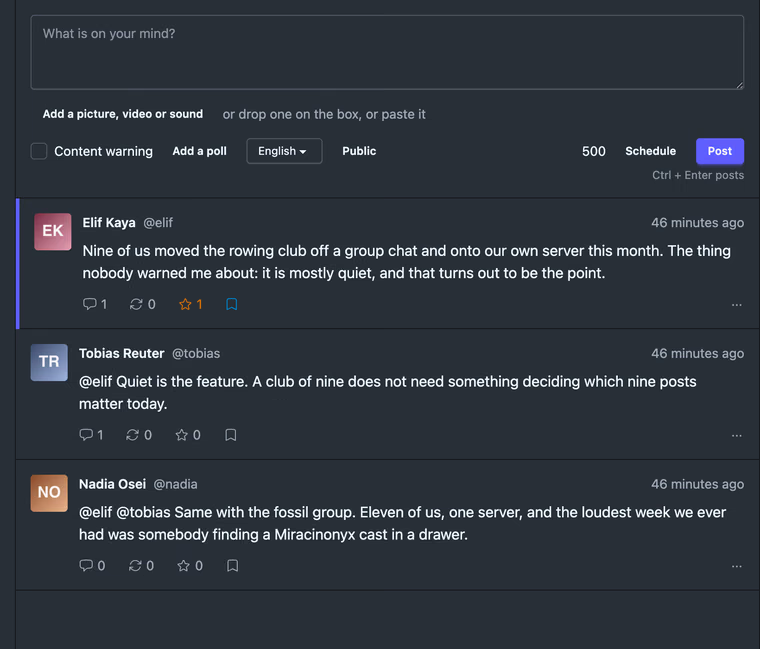 A conversation
The post you followed, with what came before and after
A conversation
The post you followed, with what came before and after
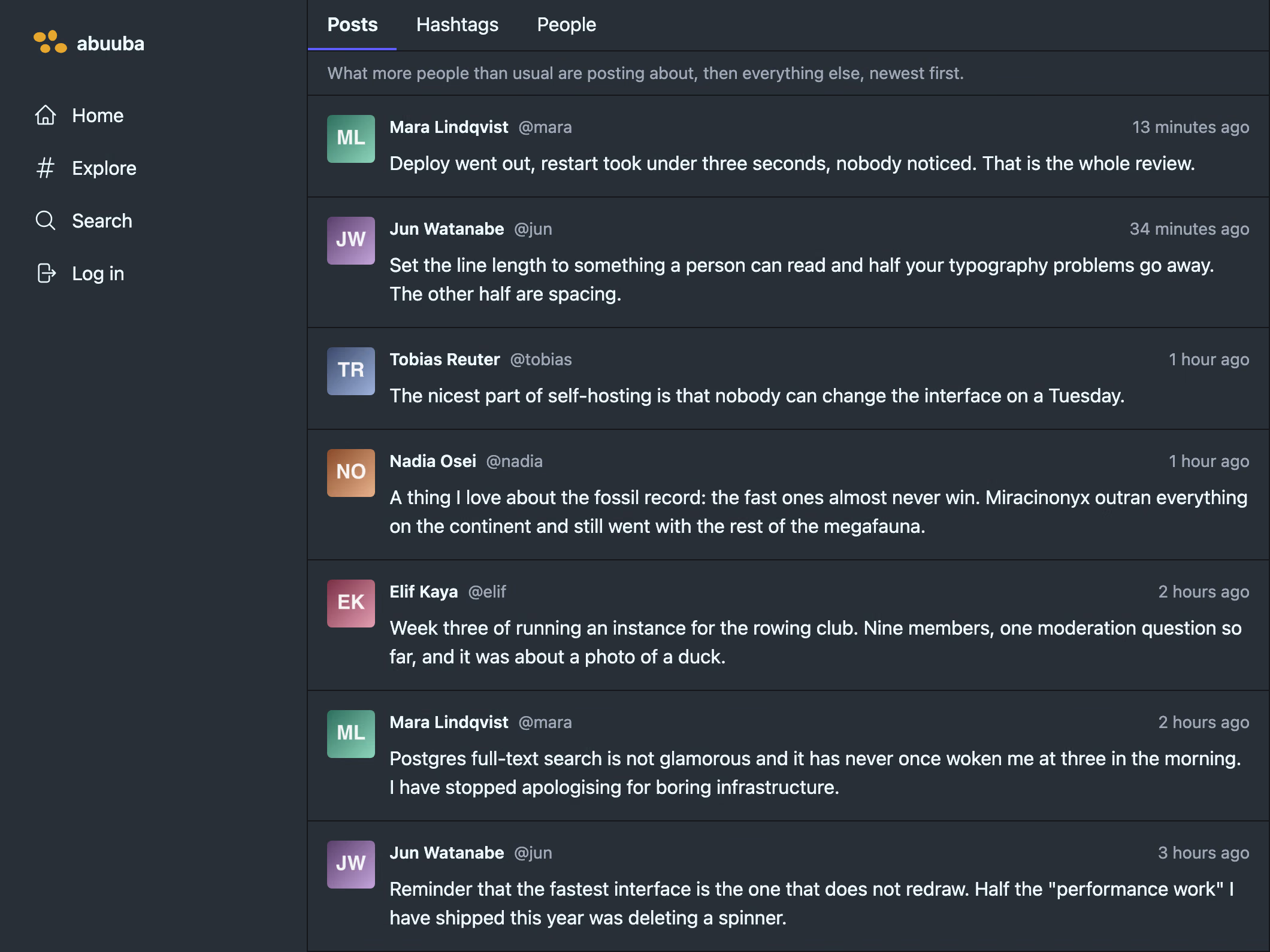
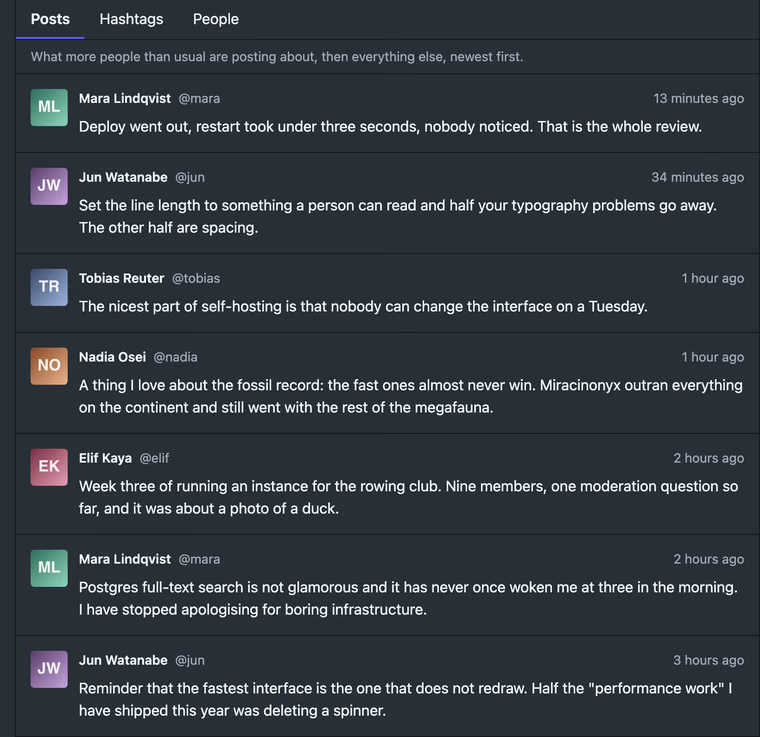 Explore, logged out
What a stranger following a link is served
Explore, logged out
What a stranger following a link is served
 An account
Avatar, bio, and the tabs a fediverse client expects
An account
Avatar, bio, and the tabs a fediverse client expects
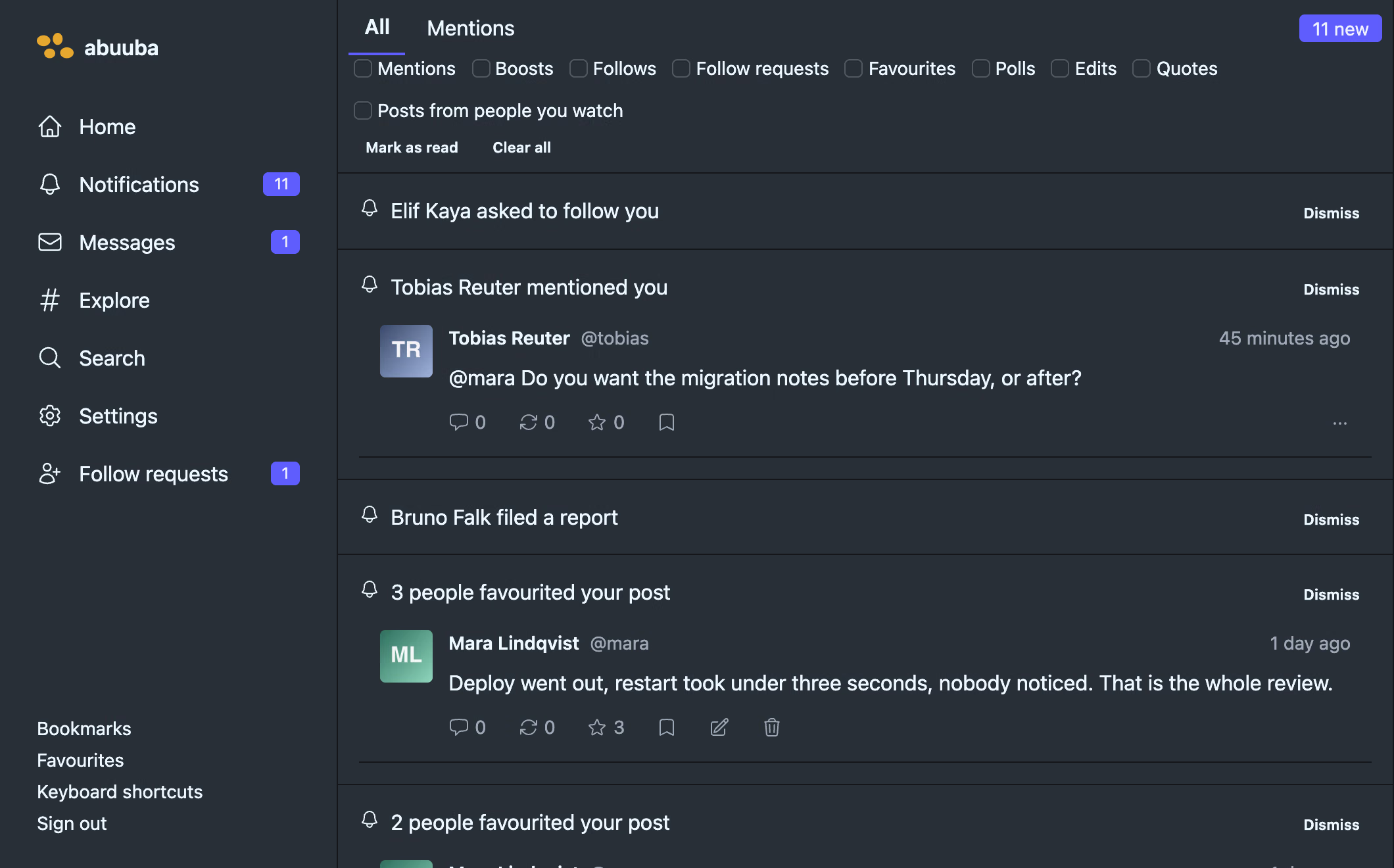
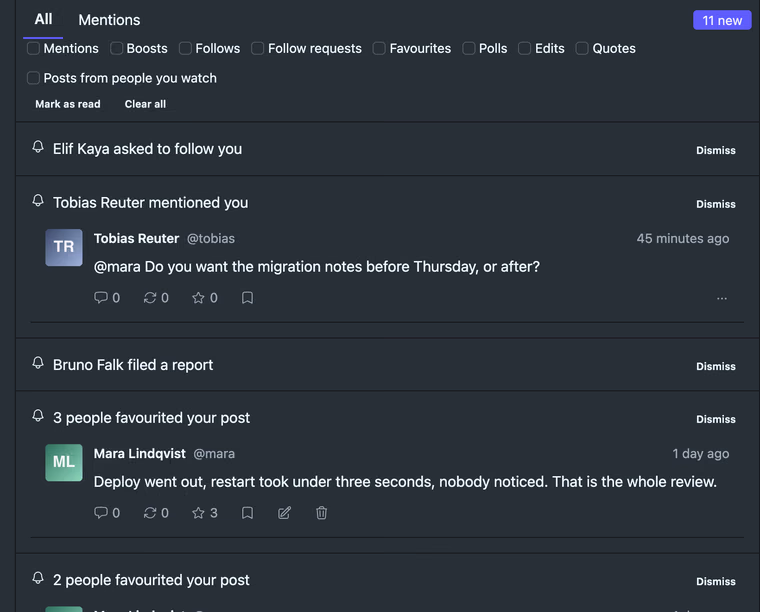 What comes back
Grouped, and only the kinds you asked for
What comes back
Grouped, and only the kinds you asked for
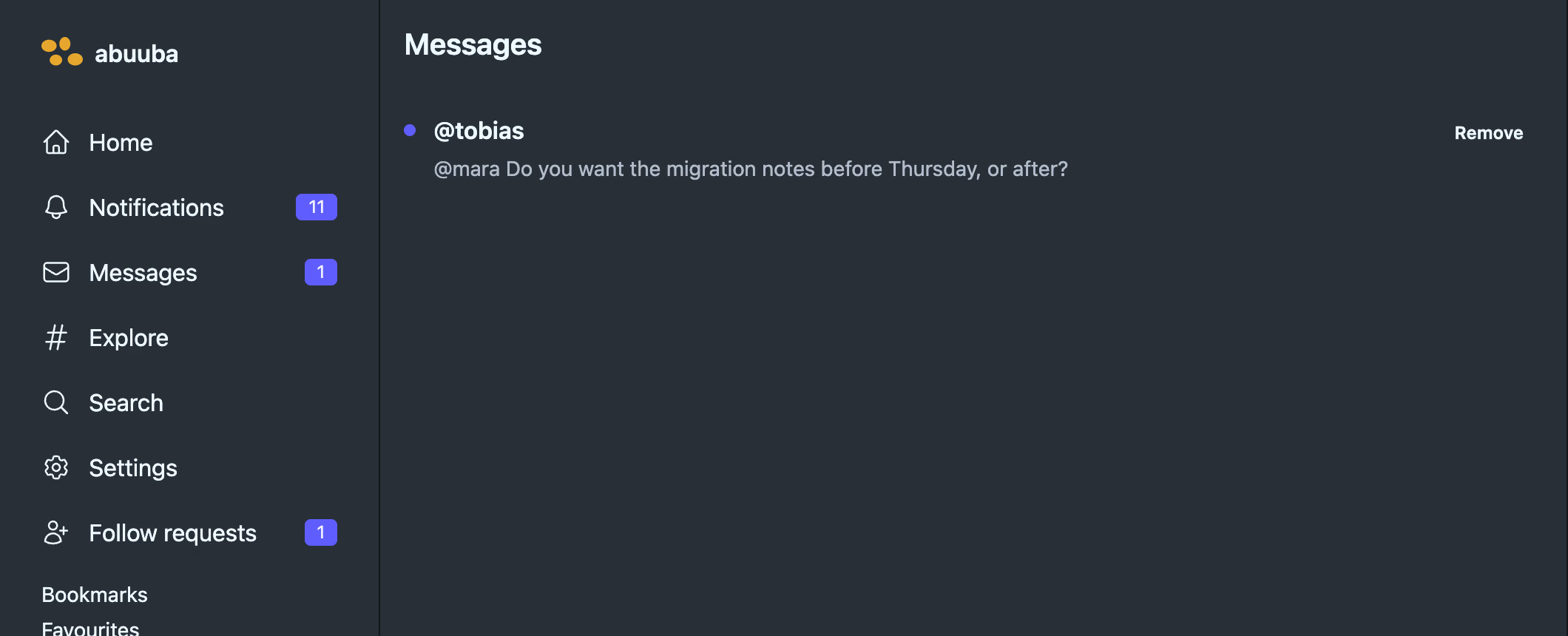
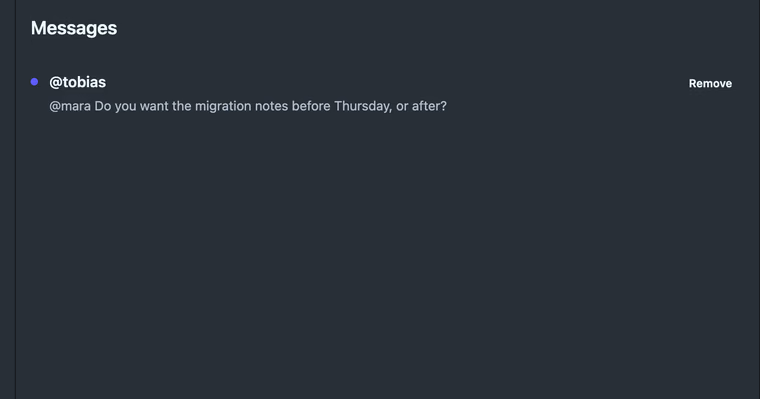 Direct messages
One line per conversation, not one per message
Direct messages
One line per conversation, not one per message
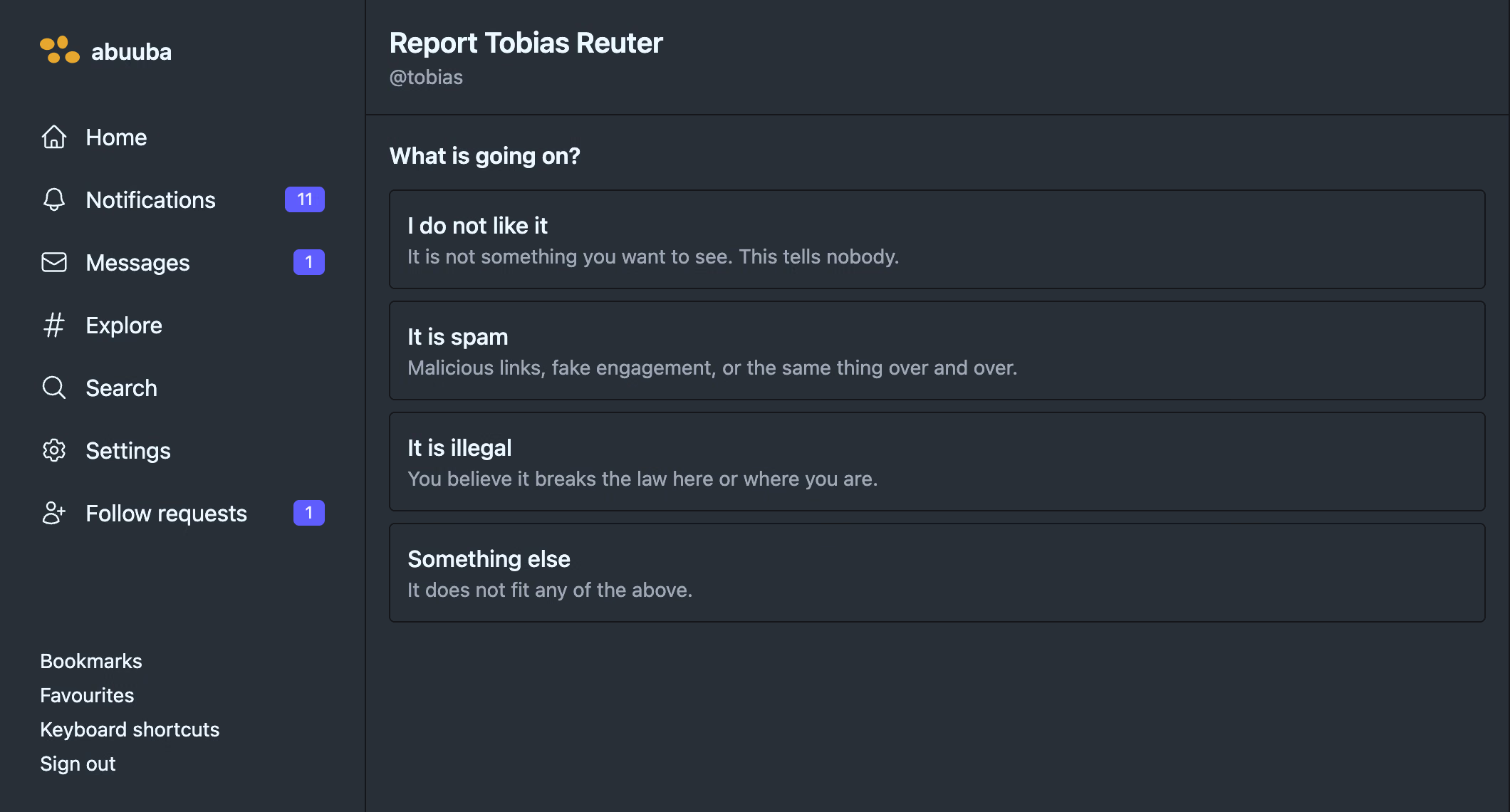
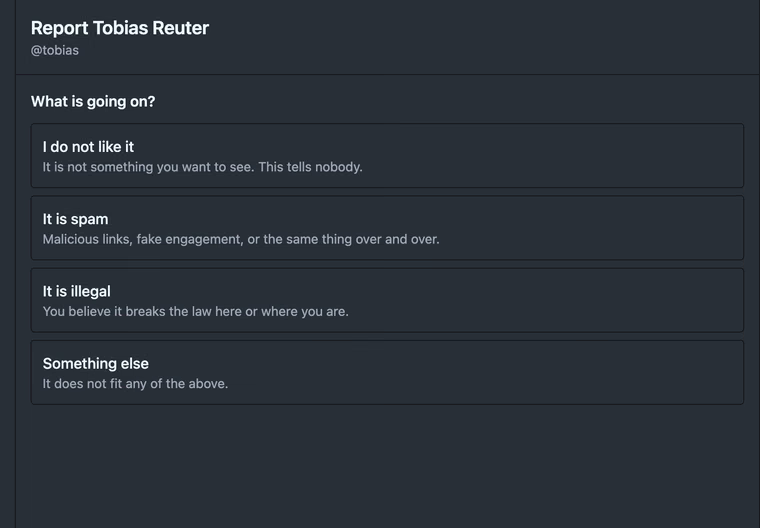 Reporting somebody
Four questions, and a first answer that files nothing
Reporting somebody
Four questions, and a first answer that files nothing
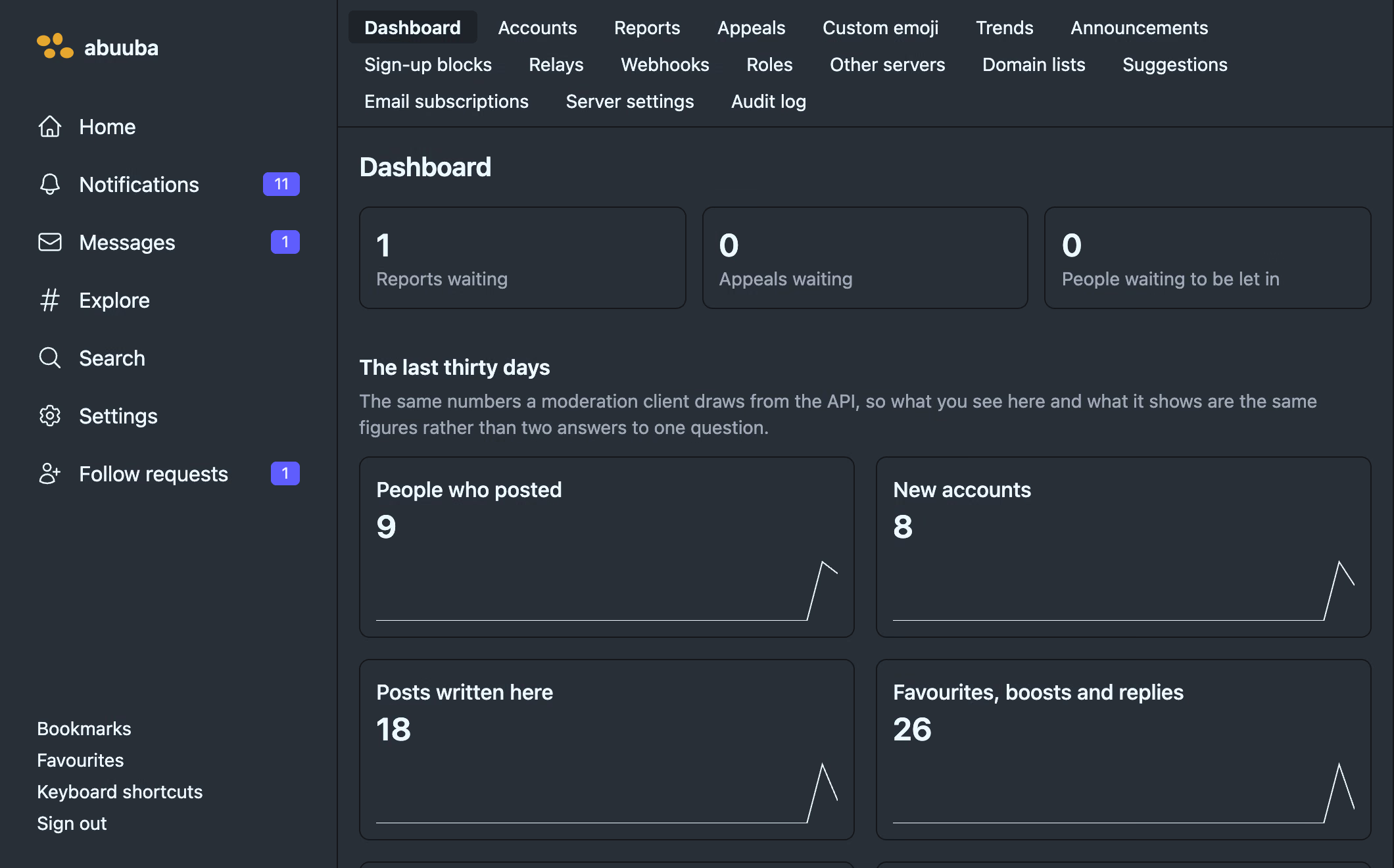
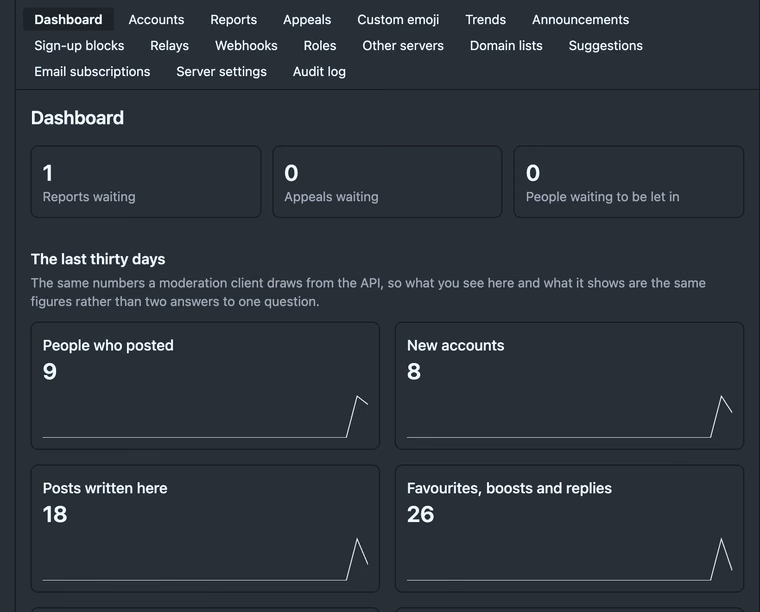 The admin area
Reports, roles, relays, trends, an audit log
The admin area
Reports, roles, relays, trends, an audit log